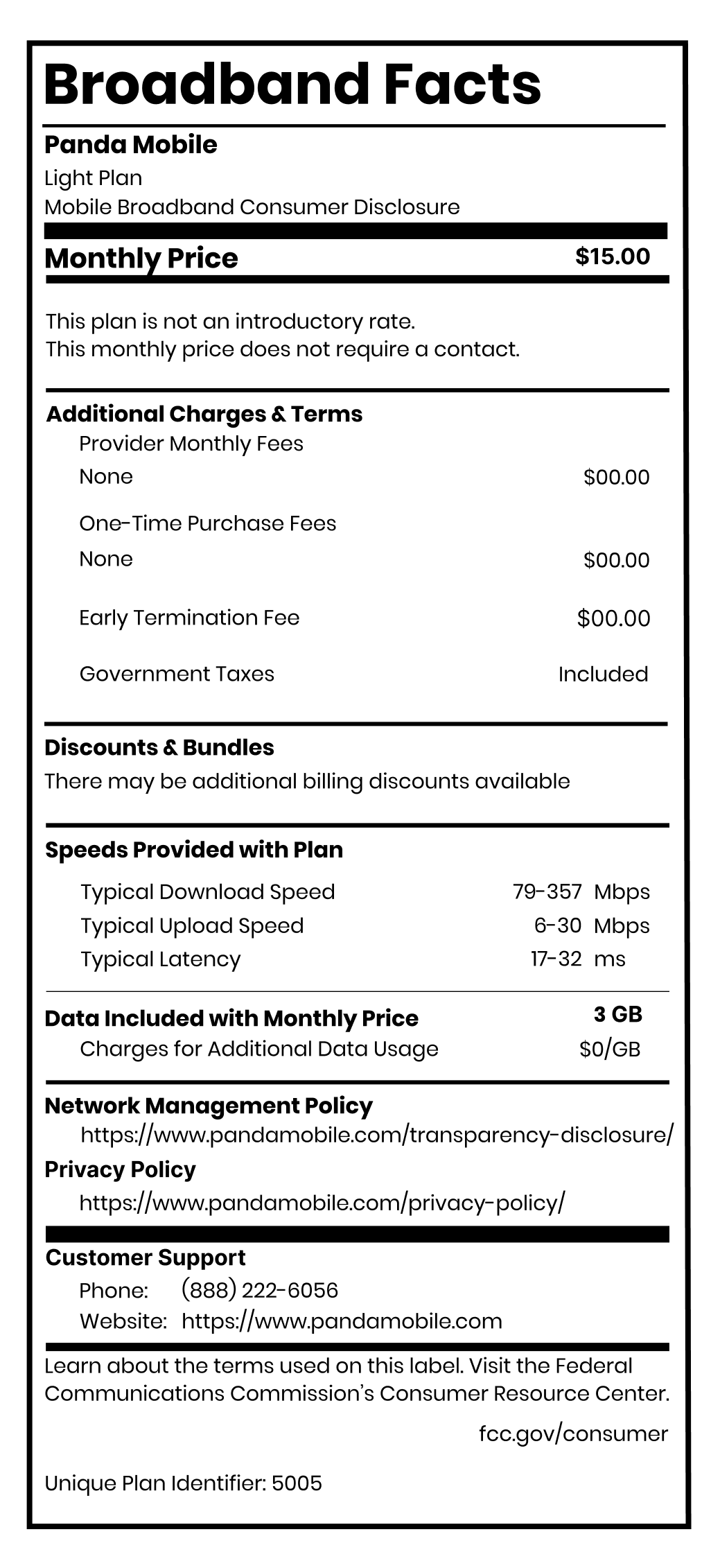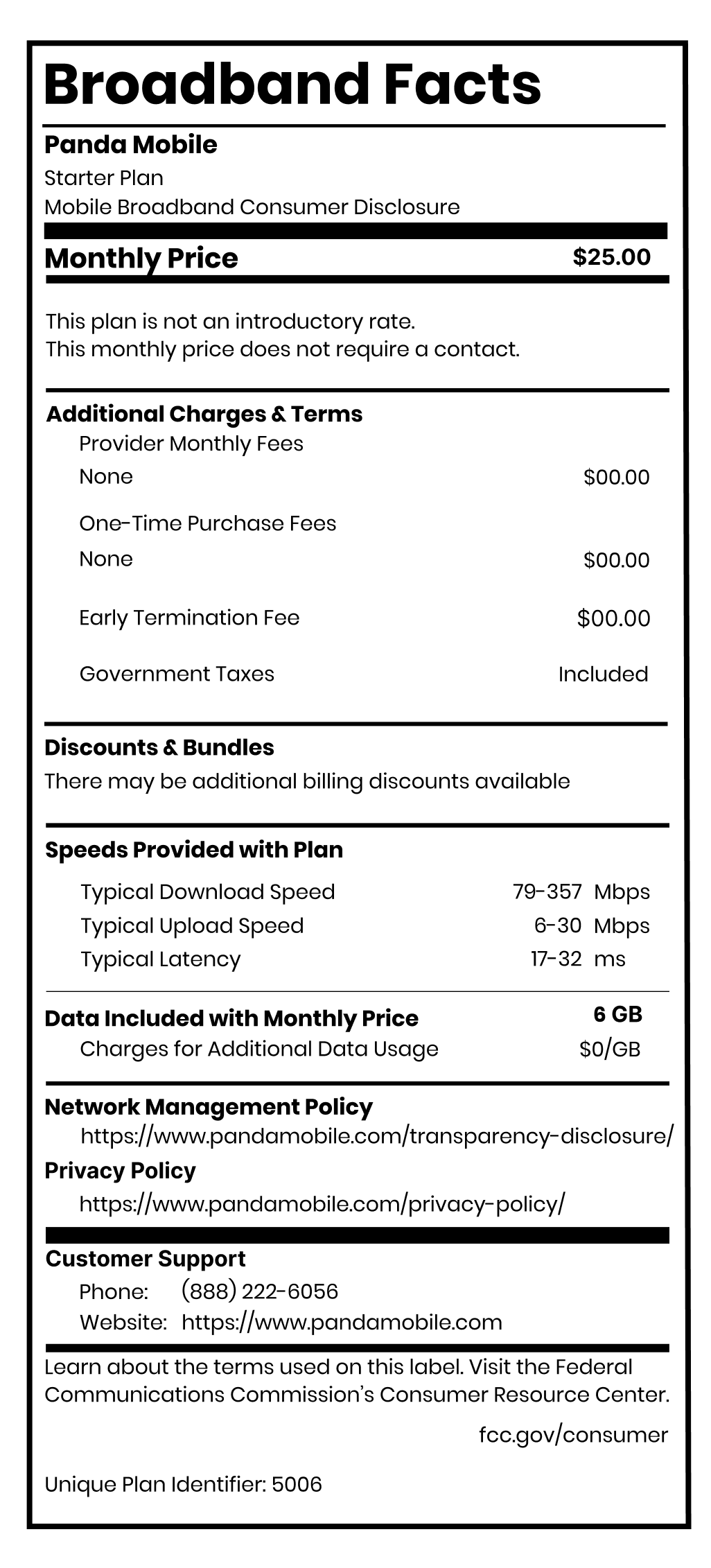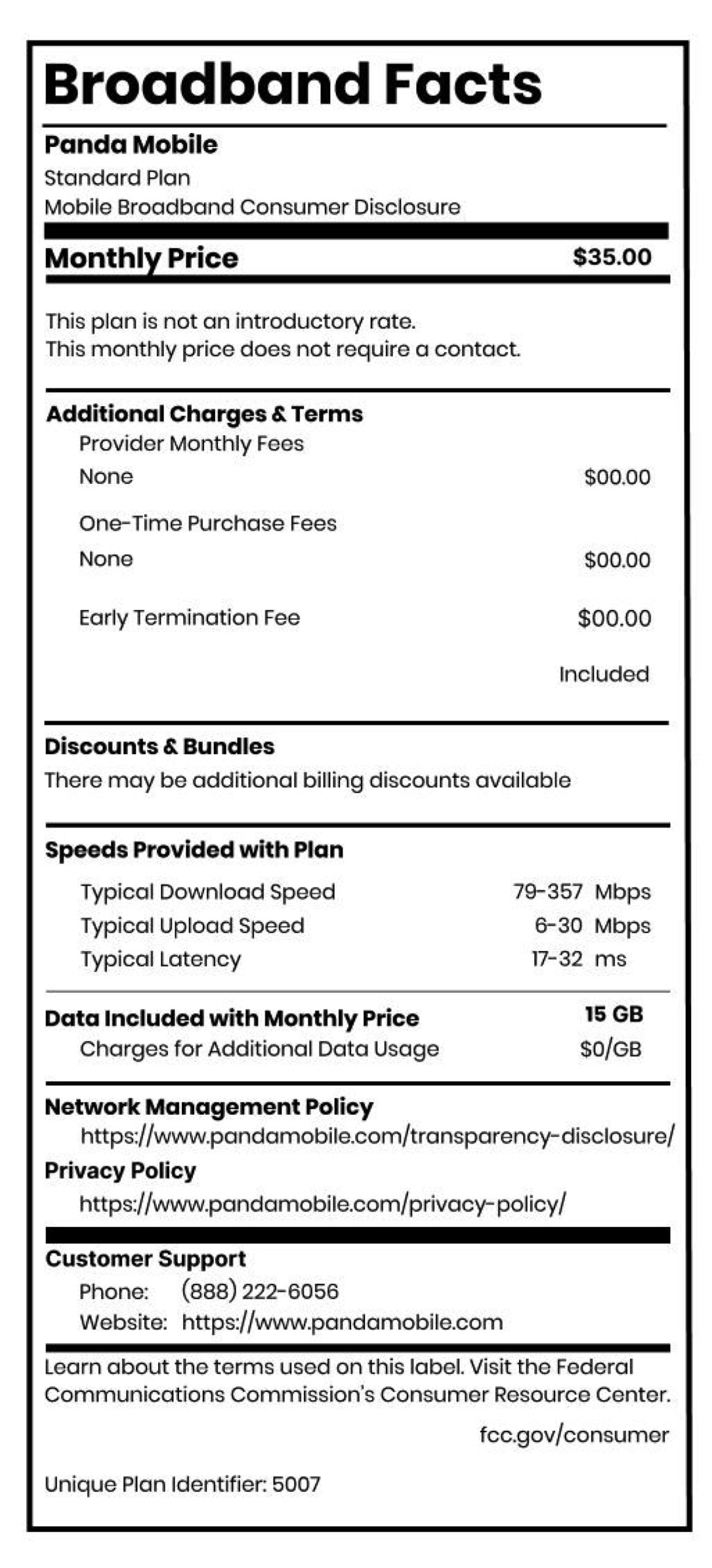
So you’re ready to leave your current carrier behind. Maybe it’s the expensive bills, weak coverage, or endless family plan drama. But there’s one thing you don’t want to give up: your phone number. It’s tied to your bank, your school, your job, and your family chats back home in China.
The good news: you don’t have to lose it. U.S. carriers are required to let you transfer your number — a process called “porting.” At Panda Mobile, we make this process fast, easy, and bilingual-friendly.
👉 Ready to start? [Get your Panda Mobile plan here] and transfer your number today.
What Does Number Transfer Mean?
Number transfer (or “porting”) simply means moving your existing phone number from your current carrier to your new one. Your plan changes, but your number doesn’t. Think of it like bringing your house keys with you when you move apartments — same identity, new home.
Are There Fees for Keeping My Number?
Your old carrier cannot charge you a “porting fee.” They may require you to pay any remaining balance, but they cannot hold your number hostage. Some carriers tack on hidden charges during transfers, but Panda Mobile never does. With us, keeping your number is free and straightforward.
Tips for Keeping Your Number When Switching
1. Don’t Cancel Your Old Service Yet
If you cancel before the transfer is complete, your number may be lost forever. Keep your current service active until Panda confirms the switch.
2. Gather Your Account Info
You’ll need:
- Your current carrier’s name
- Your account number
- Your account PIN or transfer PIN
- Billing address and ZIP code
This info is usually on your latest bill or account dashboard.
3. Family Plan Users: Transfer Carefully
If you’re on a family plan, the primary account holder may need to request the transfer. Always port the main account last to avoid disrupting other lines.
4. Make Sure Your Phone Is Unlocked
If you’re bringing your own phone, check that it’s unlocked so it works on Panda’s T-Mobile nationwide 5G network.
Step-by-Step: How to Switch to Panda Mobile Without Losing Your Number
- Sign up for Panda Mobile online and purchase a plan (English or Chinese interface available).
- Select “Transfer my existing number” during signup.
- Enter your current account info and transfer PIN.
- Activate your Panda eSIM by scanning the QR code.
- Wait a while and your old service will shut off once the transfer completes.
- Congrats, you’ve kept your number and gained total flexibility.
Why Switch to Panda Mobile?
Unlike traditional carriers, Panda Mobile is designed for Chinese students, new immigrants, and families who need:
- No SSN or credit check – perfect for newcomers.
- Free calls & texts to 229 countries, including China.
- Pause & keep number when you travel back home.
- Reliable 5G nationwide coverage powered by T-Mobile.
- Bilingual WeChat support so setup is stress-free.
👉 Don’t start over with a new number. [Switch to Panda Mobile today] and keep the number that connects your life.